Explore PICO BOT IOT KIT
Before you begin
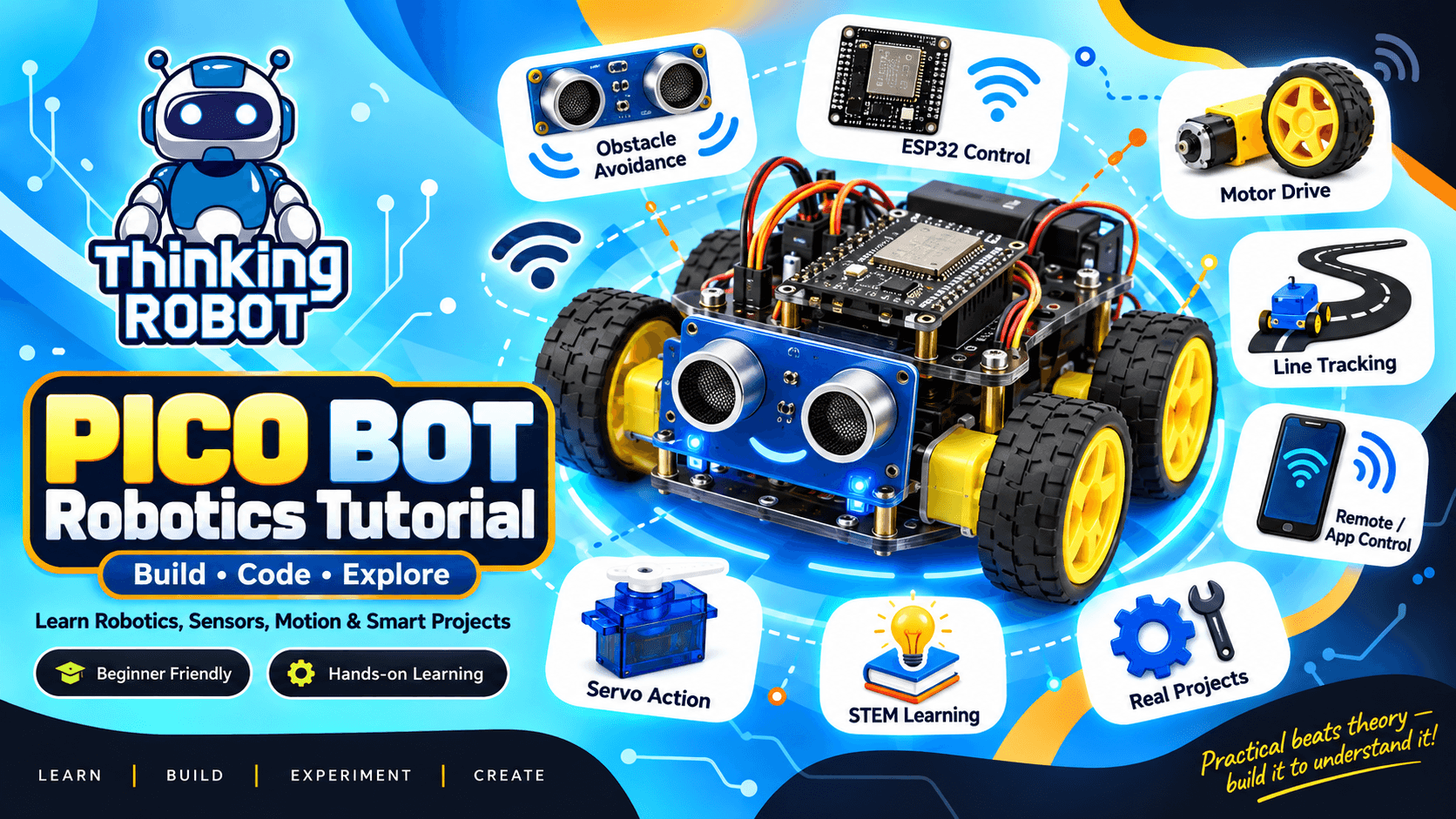
Before we start assembling your robot, let's make sure you have everything you need for a smooth and frustration-free build. The Hardware: To make learning as easy as possible, this entire guide is built around our official starter kit. If you don't have your hardware yet, you can get everything you need in one box here: 👉 Get the PICO BOT ESP32 Edition Starter Kit The Tools: A computer or laptop (Windows, Mac, or Linux) with a standard USB port to program the ESP32 brain. You will also need a data-capable USB cable (double-check that it supports data transfer and is not just a charging cable!). The Software: You will need to download and install the free Arduino IDE (the software we use to write our code). Once installed, you will also need to add the ESP32 Board Manager to the software so it recognizes your specific microcontroller. The Time: Set aside about 45 to 60 minutes for this build. We will tackle it step-by-step, from the mechanical chassis assembly to writing your first wireless control code.
Discussion
Questions and ideas about PICO Masterclass | PICO BOT - V1 ESp32 Overall Guide
